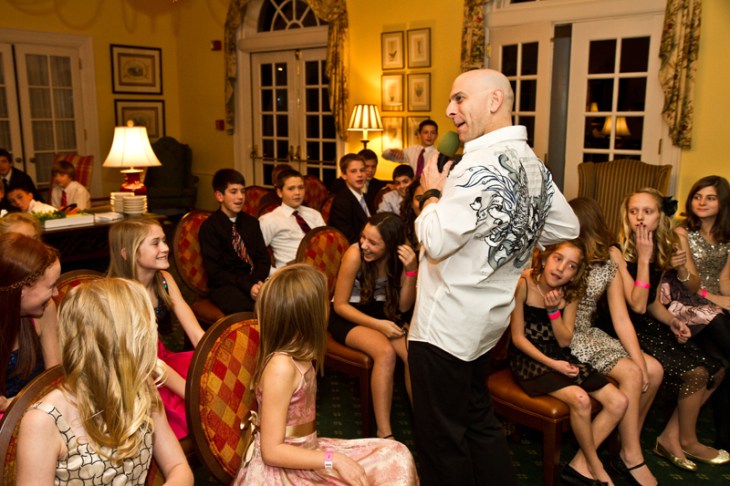
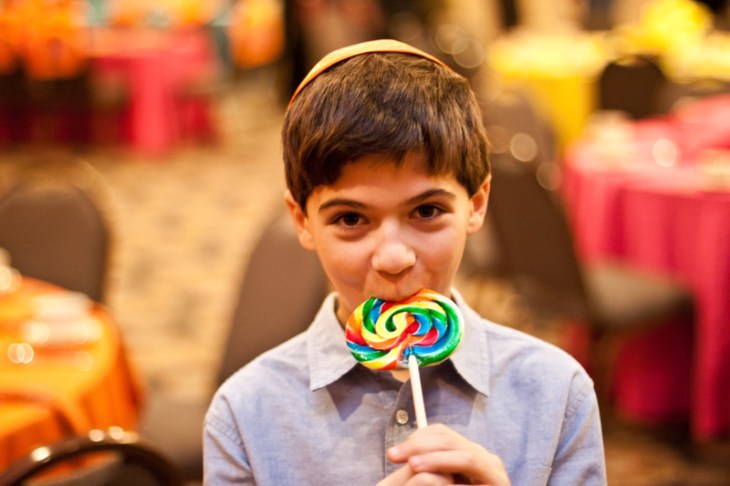
 Check out this handsome guy! His name is Jonathan and a few days ago Jenny and I photographed his Bar Mitzvah. When we got to the party, Jonathan`s mom asked me if I could shoot a short video clip of their grand entrance. Normally I don`t shoot event video; I`m not a videographer and the only time I actually do anything with video is during engagement sessions or when I am doing work for my corporate clients. However, since the family only wanted a few minutes of video, I put my second camera on a tripod, put an LED panel in the hot shoe, pointed the whole setup at the ballroom`s entrance and hit “RECORD”. Now, my primary job (really, the only job) was to take still photos and that was what I concentrated on. I did not really pay much attention to what was going on with the video rig behind me. When the family`s grand entrance and speeches were over, I grabbed the tripod with the video setup and moved it off the dance floor. As I was dragging it to the corner where my spare gear was stored, I noticed that the camera was off. At a closer look I saw that the battery door was open. I closed the battery door, turned on the camera and hit the “PLAY” button. To my horror I realized that the video that the family wanted so badly was corrupted. I don`t know if somebody accidentally bumped the tripod or opened the battery door with malicious intent, but the result was the same – I had 1.35GB of corrupted video. When I got home I stayed up half the night trying to find remedies for fixing this problem. I found a piece of software for Mac OS called Treasured – it analyzes corrupted video files, sends information about scanned video files to a http://aeroquartet.com (movie repair service) and they (movie repair service) give you a quote for restoring the damaged file. In my case, the quote came out to $119.00. After more searching, I found two open-source scripts (one written in Perl and one in Python) that claimed to be able to fix corrupted MOV files. Neither script worked out of the box; luckily I know both of these programming languages and after about 3 hours of tweaking I was able to get the Perl script to work. Unfortunately, that script only managed to extract the video stream from the corrupted file – the audio was still missing. Finally, I came across two software packages – Grau GbR and Pro Maintenance Tool by Digital Rebellion (actually, Jenny found the later for me). Pro Maintenance Tools managed to recover video, but not audio, and did a much better job of it than my hacked Perl script. Grau GbR managed to recover everything! The only caveat was that the free version of this software only recovered half of the video file. To do a full recovery, I had to buy the full version (good for recovering up to 5 video files) for 29 Euros (approximately $40). They have an unlimited version available for 100 Euros. So, if you ever find yourself in a situation where your camera shuts off while recording, you have a few options: Grau GbR Pro Maintenance Tools iSquint (supposedly works for smaller videos) Python script (did not work for me) Perl script (worked, but did not recover audio) Treasured Good luck:)
Dropping off the face of the earth
All of you guys who emailed me over the last couple of weeks – thank you so much for your concern. To quote Mark Twain, “the reports of my death are greatly exaggerated”. In all seriousness, I`m still somewhat alive and reasonably well. I had a really good reason for dropping off the face of the earth for two months without any blog or Facebook posts. Several good reasons, actually… Reason 1: On December 28th, 2011, my Irina and I had another beautiful baby girl, Sophia. Now I`m a proud dad of two girls, which means that Irina and I are not getting too much sleep these days. Reason 2: School, school and more freaking school! I am struggling through my last semester of grad school. In hindsight, taking two grad level classes when you have a new baby was a bad idea. Reason 3: Between my 9-5 job at the University of Pittsburgh, school and family, I managed to photograph two Bar/Bat Mitzvahs and three commercial gigs. Which basically means that in the last two months if I weren`t at work, school, studying, playing with my kids or shooting, I was editing. All that aside, I am probably the happiest man on earth right now. My kids are absolutely amazing, and my wife is the most supporting and wonderful woman in the world. On another note, I`m like the proverbial shoemaker without shoes:) These are pretty much all the photos I had time to take. 


Noah`s Bar Mitzvah
Since Noah`s Bar Mitzvah was really close to Irina`s due date, I was worried about getting THE CALL in the middle of Noah`s Bar Mitzvah. My friend and amazing photographer Katia Forero graciously agreed to help me out and second-shoot this event with me in case if I had to take off at a moment`s notice. 


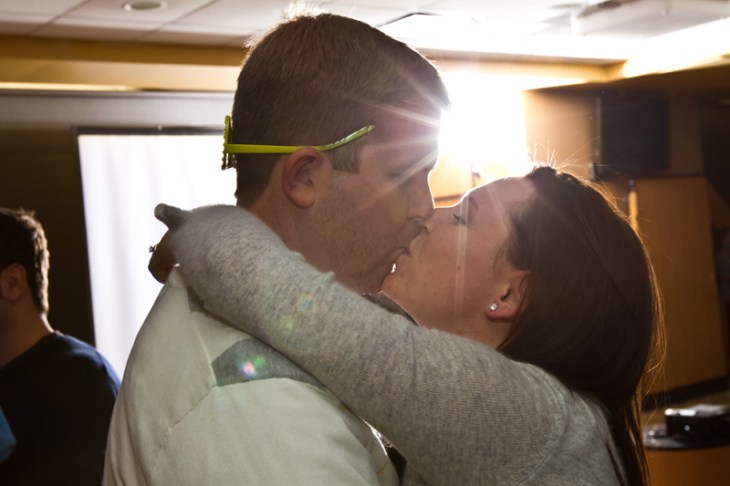
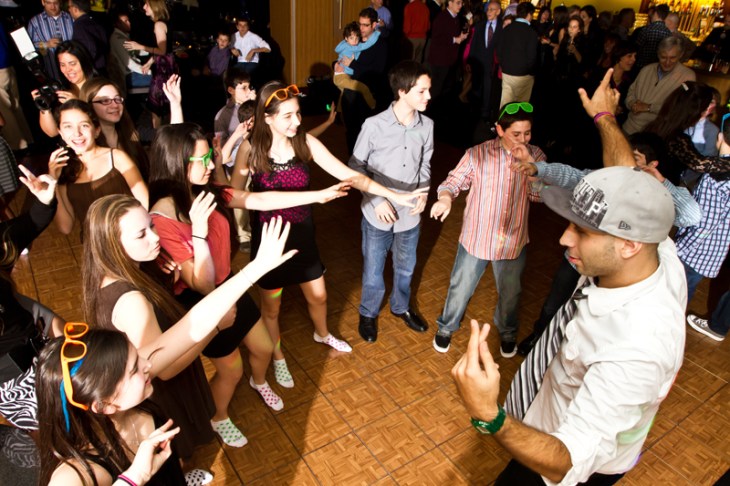


Hard-Working Photographers
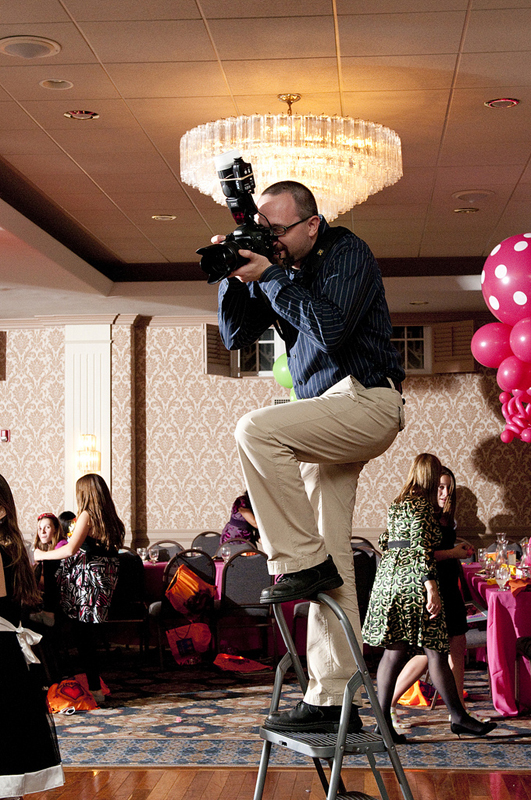
This has been an amazing year for my photography business. I worked with a lot of wonderful clients and photographed a lot of cool events and commercial projects. I am also very thankful to incredible photographers who helped me out this year – Jenny Karlsson, Anita Buzzy and Katia Forero. Here are some photos of us in action… Jenny 

 Anita
Anita  Katia
Katia  … and me …


Help-Portrait 2011
 This year`s Help Portrait turned out really great. We had two locations – one at the Women`s Shelter of Greater Pittsburgh and another one at the Community Human Services in Oakland. We had a wonderful turnout – between the two locations we photographed 89 people. We couldn`t have done it without everyone chipping in and volunteering their time and talent to make this event special: Kevin Lorenzi – event director, photographer Dmitriy Babichenko – event director, photographer Leeann Marie Golish – photographer Kelli Glew – photographer Jane Alexander – editor Chris Toth – editor Luke Ling – photographer Alyssa Kraus – hair/make-up artist Dan Speicher – photographer, videographer Laura Petrilla – photographer Dina Ciabattoni – organizer, administrator Lynn Ratkovich – organizer, administrator All the photos from the Community Human Services location have been posted on Flickr.
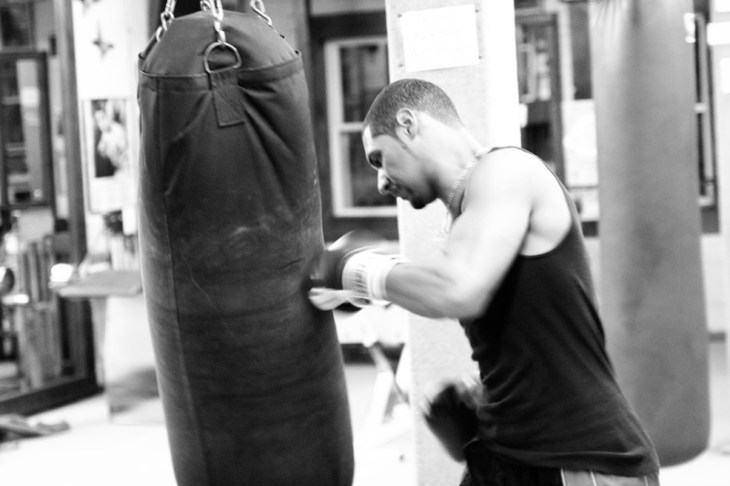
Exercise Warehouse



Paige`s Bat Mitzvah




A Wonderful Weekend With My Daughter
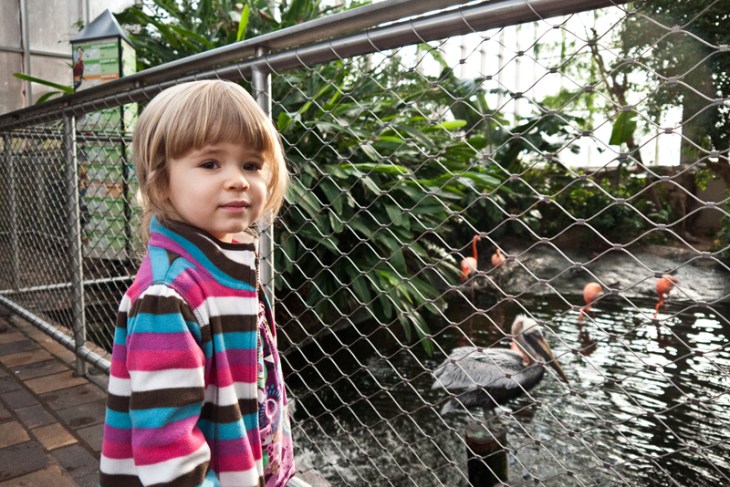
I`ve been working so much lately that I barely get to see my family. On December 10th was my last photography gig and I celebrated by hanging out with Daniella all day the following Sunday. Here are a few photos from Pittsburgh National Aviary… 




 More photos on Flickr
What`s In My Bag
Over the last few years I must have received at least 20 emails from clients and aspiring photographers asking me about my equipment. So far I avoided posting my response to my blog. My equipment changes constantly, things break down, get replaced, get updated, get sold on Ebay. Yesterday I received 3 emails in one day asking this question, so for those of you who are interested, here is what’s in my bag. Or bags…
Bags:
Cameras:
- Canon EOS 7D
- Canon EOS 5D Mark III
- Mamyia 645M (2 bodies)
Lenses:
- Canon 16-35 mm f/2.8L
- Canon 100 mm f/2.8L Macro
- Canon 200 mm f/2.8L
- Canon 50 mm f/1.4
- Mamyia 80 mm f/2.8
- Mamyia 135 mm f/3.5
Lighting:
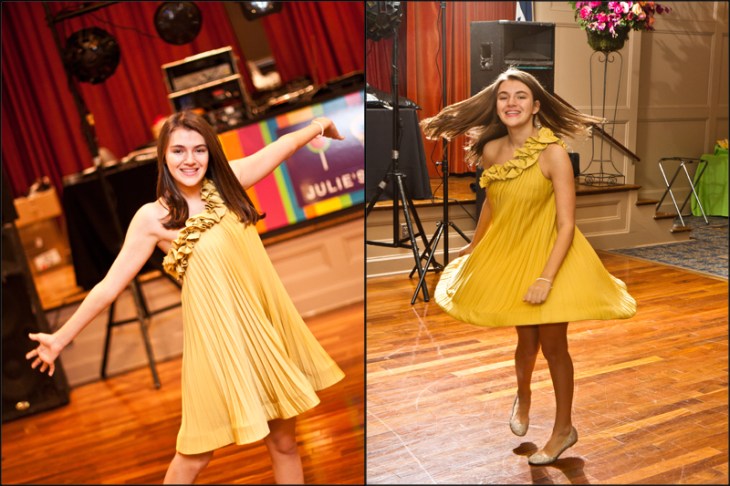
Julie`s Bat Mitzvah
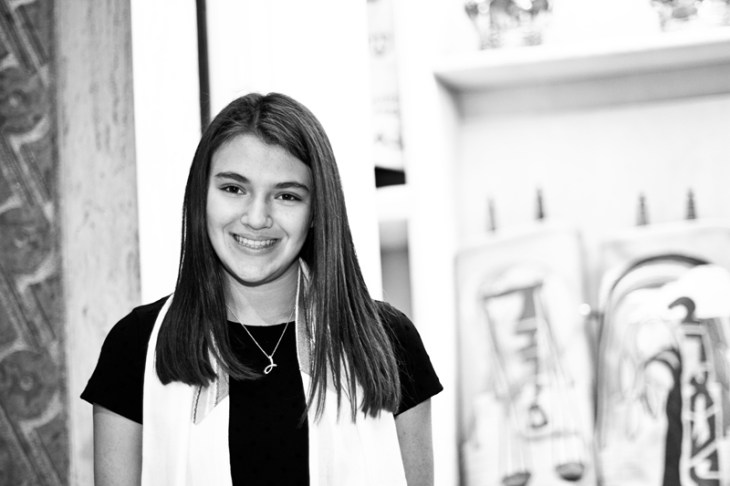
A special THANK YOU! goes out to my second shooter Jenny – this was her first Bat Mitzvah and she did an amazing job! 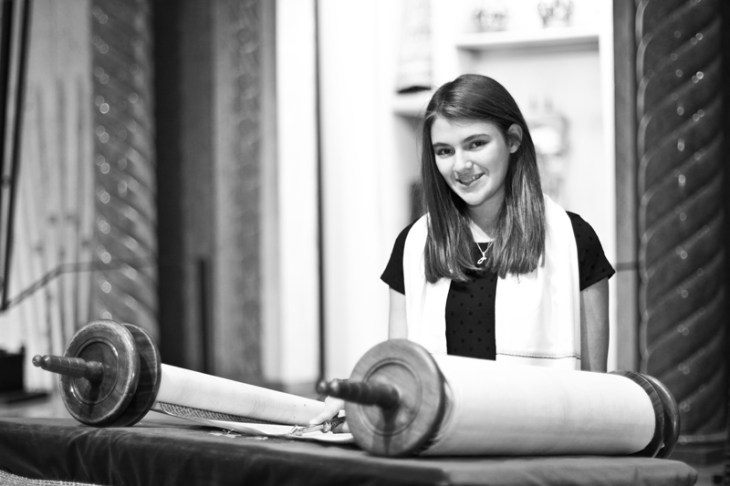




 Dmitriy B.
You must be logged in to post a comment.